Automatically export your X bookmarks to Notion
Tweetsmash saves bookmarks to Notion anytime you bookmark on X (Twitter). Export all your existing bookmarks with unrolled threads, grouped replies and labels into Notion.

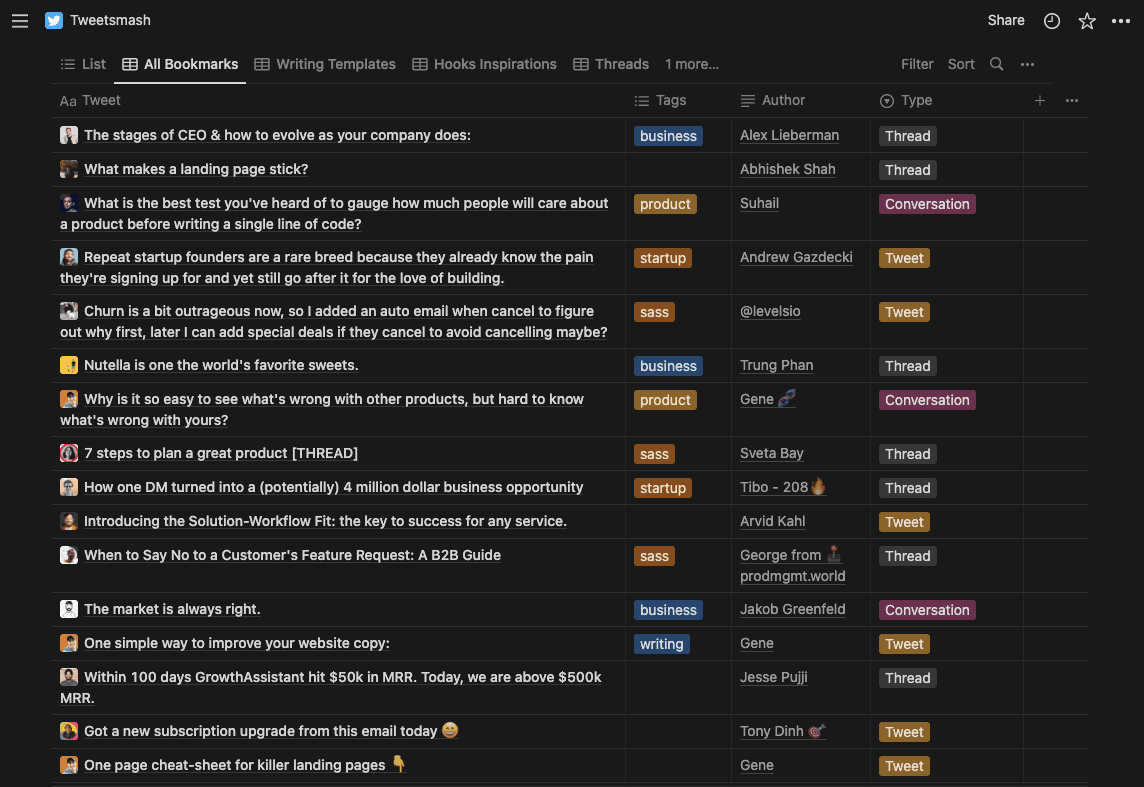
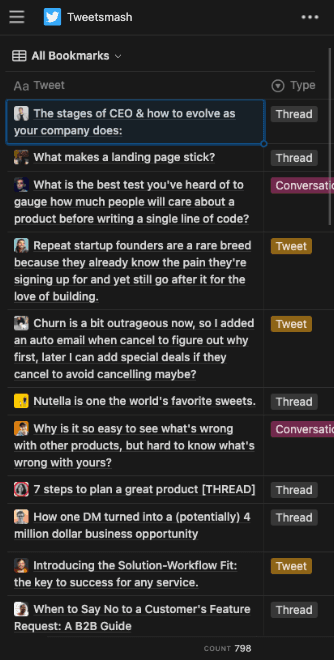


Export all bookmarks to Notion
All bookmarks & threads curated over months, now can be exported to Notion in Seconds
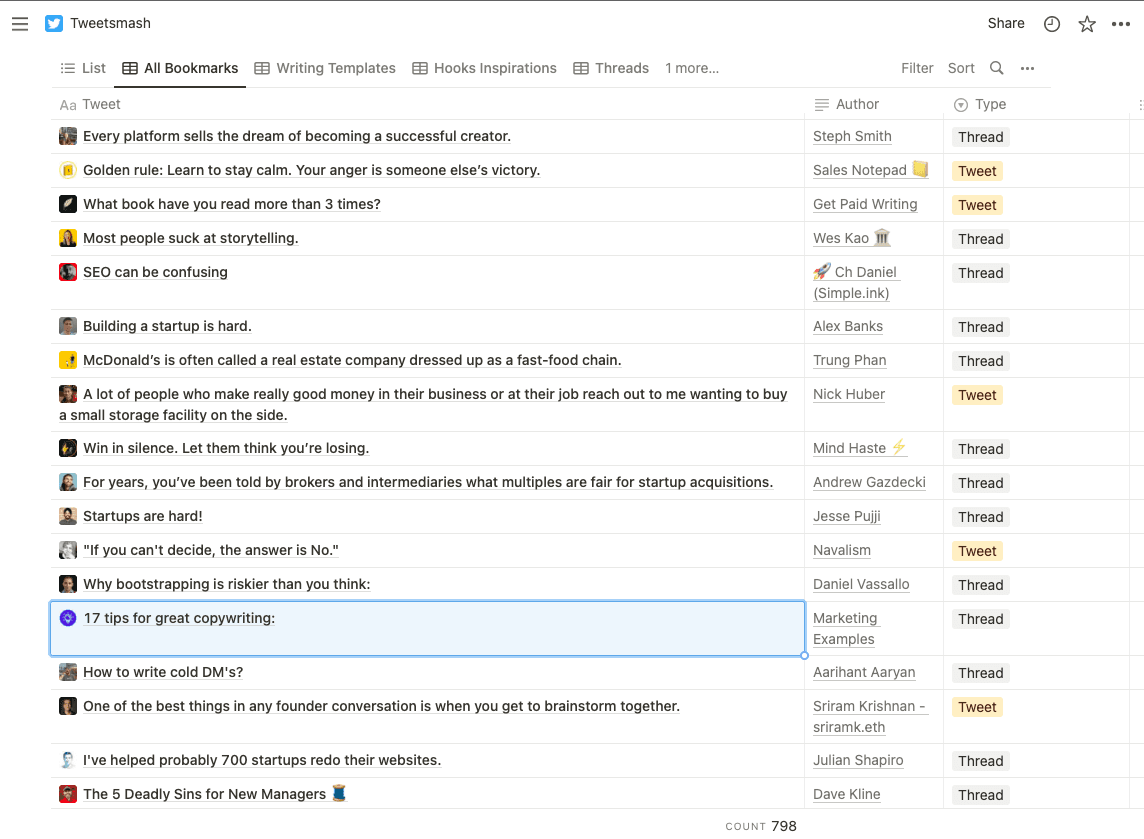
Export bookmarkedthreads unrolled
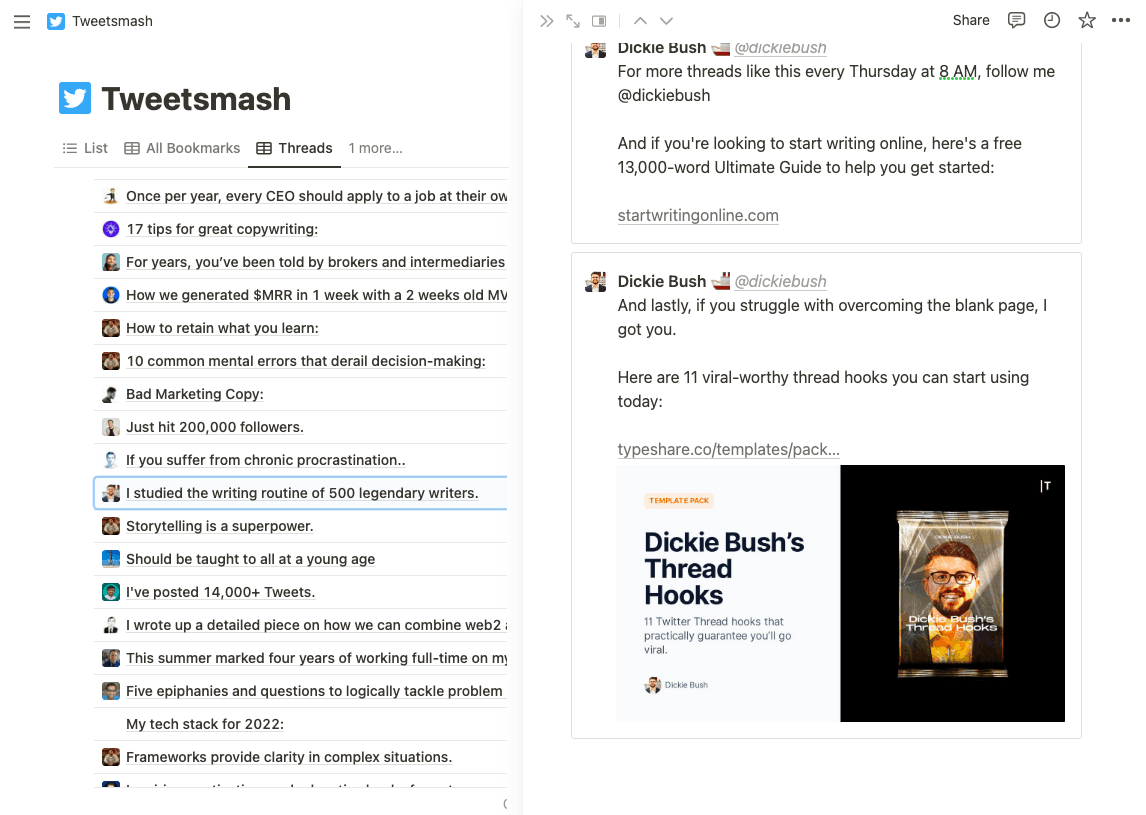
Read your favourite threads right inside Notion & reference easily in your writings with unrolled tweets

"You can not only use tags and sort the bookmarks but also import everything into Notion and continue working with them there. I fell in love immediately! Best of all, it happens automatically when you save the bookmark to Twitter. It really couldn't be easier and less stressful."
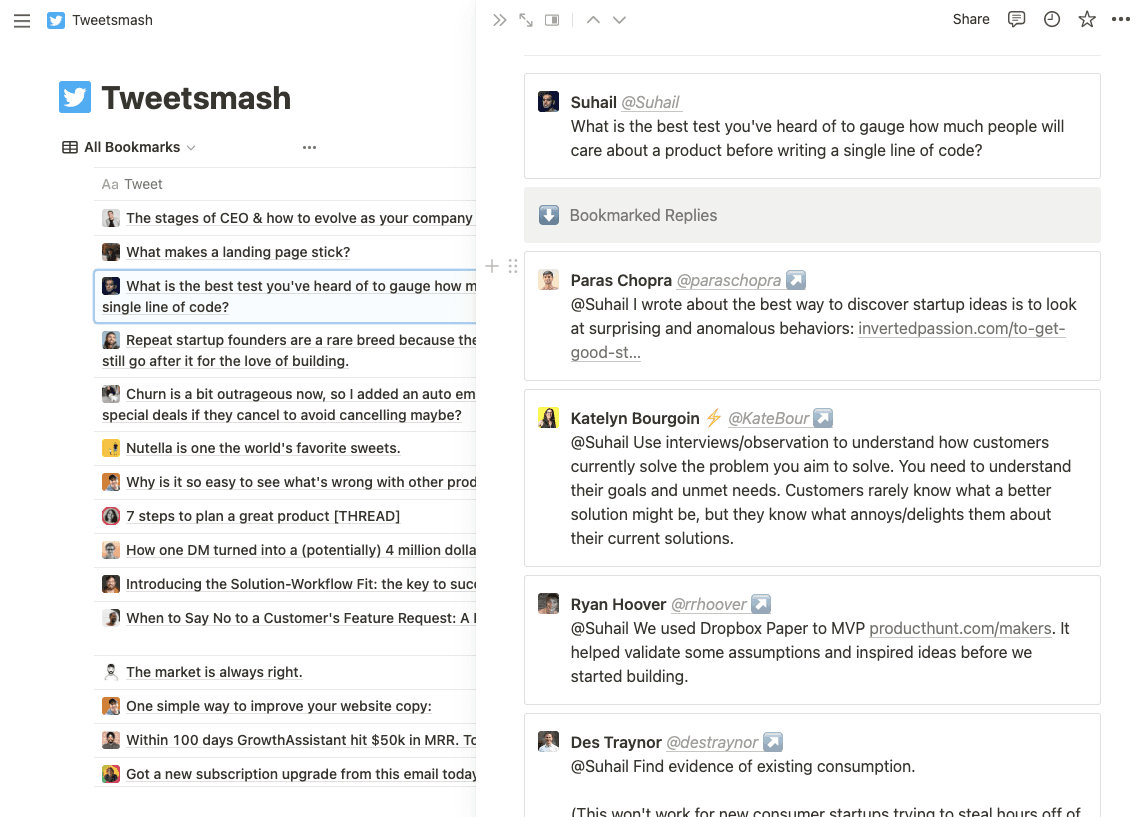
Replies grouped to single view
Bookmarked replies under the same conversation are grouped and organized for easy reading
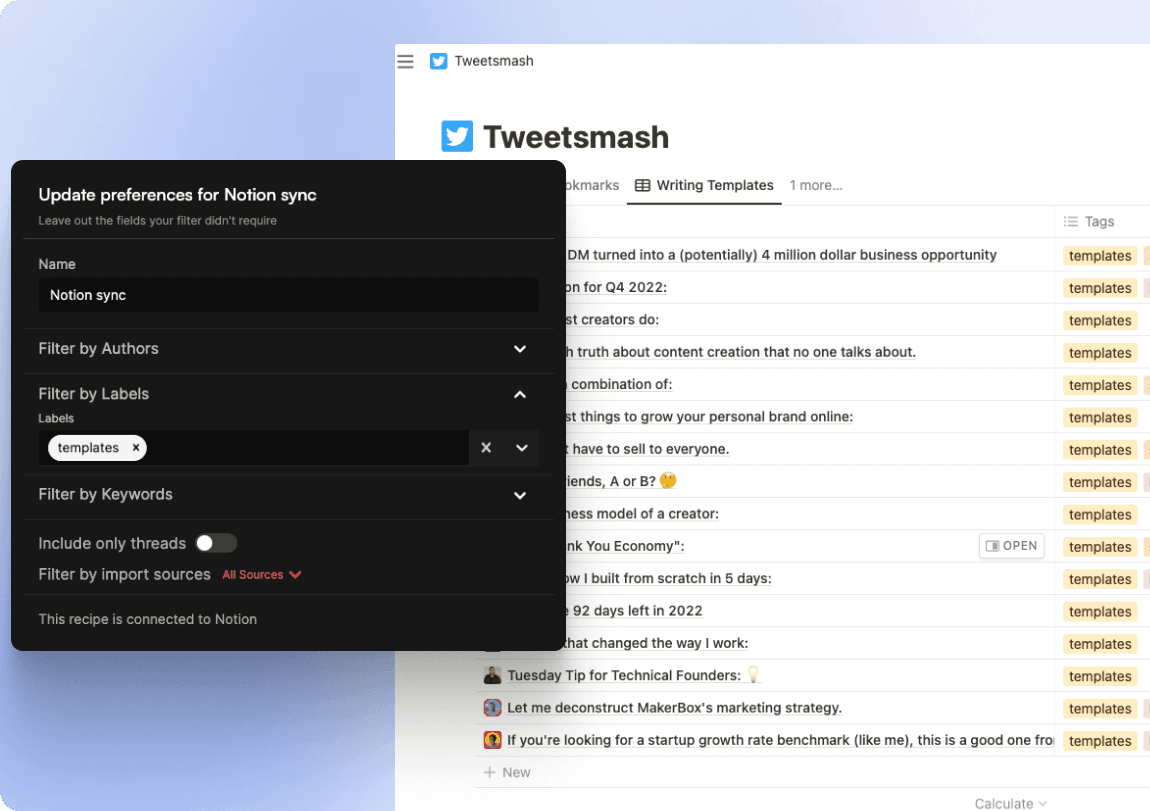
Control what goes to Notion
You can further more control what bookmarks needs to go into Notion with tags & more filters

Our Wall of Love
Tweetsmash is loved by content creators and Twitter power users. Here it from them in their own words.
Export X bookmarks to Notion: frequently asked questions
How do I export X bookmarks to Notion?
Connect Tweetsmash to your X (Twitter) account, then toggle the Notion integration on. Tweetsmash imports your existing bookmarks and syncs every new bookmark to a Notion database automatically, with unrolled threads and labels. Setup takes about 5 minutes.
Can I export all my existing X bookmarks, or only new ones?
Both. The one-click import pulls your existing X bookmarks into Tweetsmash, and the Notion sync then exports the full library. After that, every new bookmark you save on X lands in Notion automatically.
What does each exported bookmark include in Notion?
Each Notion entry carries the full tweet text with threads unrolled, grouped replies from the same conversation, media, author details, your Tweetsmash labels, and a link back to the original post on X.
How often does Tweetsmash sync bookmarks to Notion?
Continuously. New X bookmarks are picked up and written to your Notion database within a few minutes, without you exporting anything manually.
Is there an API or MCP way to export X bookmarks?
Yes. Developers can pull bookmarks as JSON from the Tweetsmash X bookmarks API, and AI agents like Claude can read them through the X bookmarks MCP server.

Build your information consumption workflow from 𝕏 Bookmarks
Import Bookmarks to TweetsmashSee our pricing Built for curating & reading best of Twitter